Hinglish Tech Shorts — code-switched narration that actually works
Record the way you actually teach — Hindi and English in the same sentence, npm and useEffect mid-flow — and get clean, romanized captions aligned word by word. This is the pipeline mainstream tools garble.
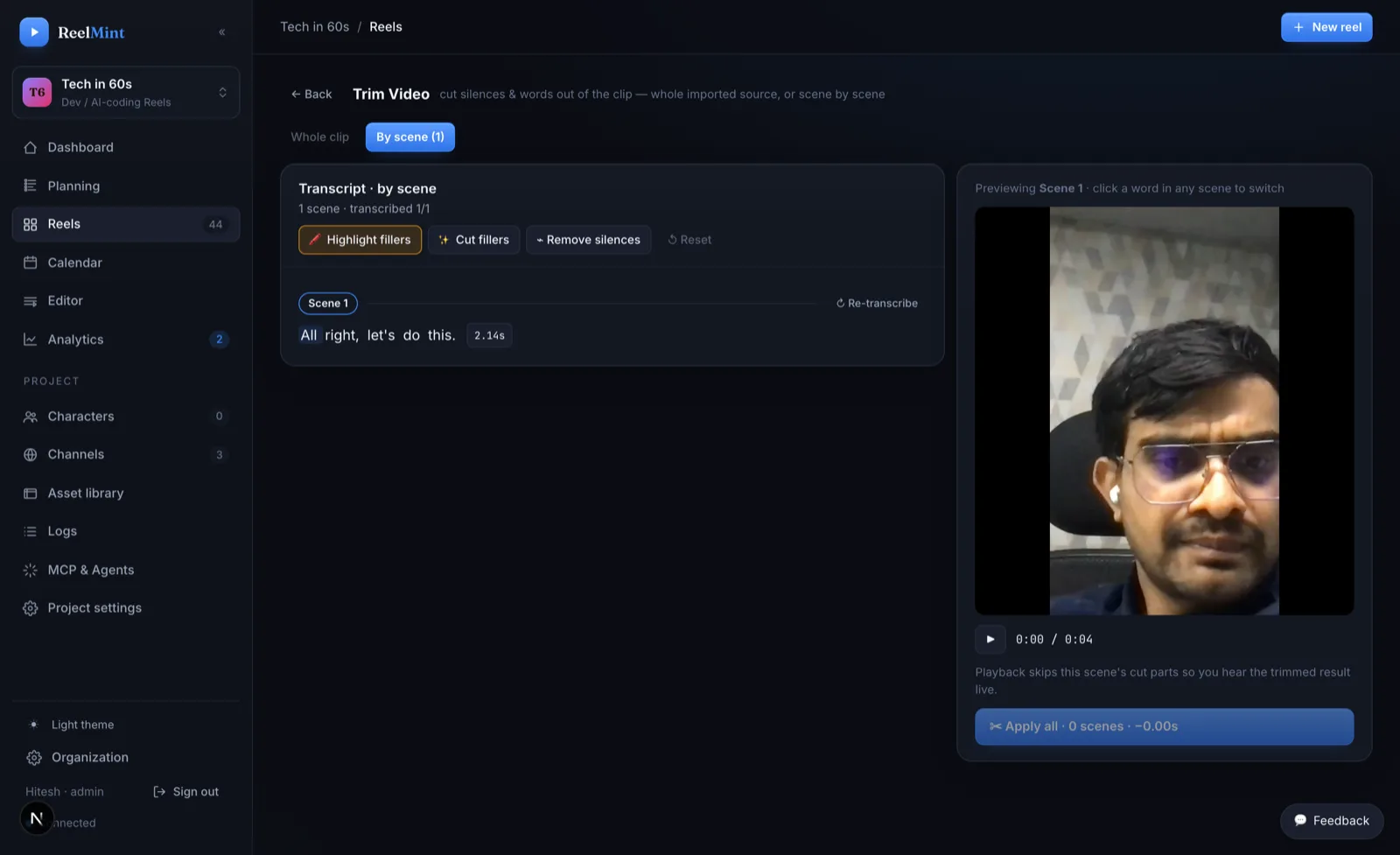
From Hinglish narration to published Short
The whole pipeline treats code-switched speech as a first-class language.
Why code-switched audio breaks other tools
Run Hinglish audio through a captioning tool built for English and the ASR forces every Hindi word into the nearest English sound-alike. A perfectly clear sentence comes back as nonsense syllables, and the captions drift further off with every code-switch.
Flip the language setting to Hindi and the failure inverts: now the technical vocabulary gets mangled. Terms like npm, useEffect, async, and Kubernetes are forced into Devanagari phonetics or dropped entirely. For a coding video, garbled code terms are worse than no captions at all.
The root cause is the language menu itself. Mainstream tools assume one language per video, so code-switched speech is not a mode they have. Creators end up captioning by hand, shipping broken subtitles, or — most often — teaching in stiff, unnatural single-language delivery just to keep the tooling happy.
How ReelMint transcribes Hinglish cleanly
ReelMint's transcription runs on a local Whisper pipeline built for code-switched speech, producing word-level timestamps. Your audio is not shipped off to a third-party captioning API that only knows one language at a time.
Hindi comes out romanized — captions in the Latin script your audience already reads on YouTube — while English technical terms pass through intact. useEffect stays useEffect; kya hota hai stays kya hota hai.
Because the timestamps are word-level, everything downstream works on Hinglish exactly as it does on English: captions sync word by word, you trim by word, and filler-word detection and silence removal operate on the real transcript.
What you get
Teach in the language you actually speak — with production quality intact.
A built-in screen and camera recorder, with voice conversion if you want a different delivery than your raw take. Code-switching mid-sentence is the expected input.
Word-synced captions in Latin script — readable to your whole audience, with code terms spelled like code, not phonetics.
Filler-word auto-detection, silence removal, and word-level trimming all work on the code-switched transcript.
Hinglish narration over the same 100+ components — syntax-highlighted code cards, terminals, charts, diagrams — nothing about the visuals is second-tier.
English, Hindi, Spanish, French, German, Portuguese, Japanese, and Arabic — narration and captions together.
AI titles and descriptions, auto thumbnails, and per-channel scheduling — the whole pipeline, not just the captions.
Common questions
Do the captions come out in Devanagari?
No — Hindi is romanized into Latin script, which is how most Hinglish-speaking audiences read on YouTube. Code terms stay in their exact spelling.
Do I have to speak pure Hindi or pure English?
No. Code-switched speech is the expected input. Speak the way you teach — the transcription pipeline is built for mixed sentences.
What happens to technical terms like npm or useEffect?
They pass through intact. That is the core failure of single-language ASR that this pipeline exists to fix: code vocabulary stays spelled like code.
Can the AI write the Hinglish script too?
Yes — set your project's language and the script generator writes in it, grounded in your channel and knowledge base, in your tone.
Is my audio sent to a third-party captioning service?
No — transcription runs on a local Whisper model in the studio's own pipeline, producing word-level timestamps.
What does it cost?
ReelMint is free during the founding-creator pilot — no credit card, no watermarks. Your first 5 videos need no key at all; after that, AI usage runs on your own keys with zero markup.
Other things ReelMint makes
Turn a programming concept into a 9:16 Short built from real, syntax-highlighted code cards — not a cropped screen recording. Every scene stays editable until the moment you publish.
Turn a README into a YouTube ShortPoint ReelMint at your project's README and get a script grounded in what the project actually does — then editable scenes: the install command as an animated terminal, the API example as a code card, the architecture as a diagram.
Terminal Demo Video MakerShow a CLI the way it deserves: typed-command animations in a clean terminal component, with monospace type sized for phones — not a desktop screen capture squinted at on a 6-inch screen.
Animated Chart Video MakerBar and line charts that grow on screen, driven by your data — real motion components, not a screen recording of a spreadsheet and not a baked animation you can never touch again.
Changelog & Release-Notes Video MakerTurn release notes into a Short people actually watch: PR cards for the headline changes, code cards for the new API, a timeline for what shipped — published to YouTube or Instagram Reels on release day, on schedule.
Teach in the language you actually speak
Record one Hinglish take and see the captions come back clean — free during the pilot.
Start free — no credit card