ReelMint for coding educators
You already know how to teach. The bottleneck is production — recording, editing, captioning, uploading. ReelMint collapses all of it into one studio built around code.
Your workflow today vs with ReelMint
Same output on your channel — a fraction of the production.
- Write a script in a doc, then improvise past it on camera
- Record your screen and hope the take is clean
- Crop a desktop IDE into 9:16 and lose the code's legibility
- Fix captions by hand — especially if you code-switch
- Upload, then write the title, description, and thumbnail at 11pm
- AI script grounded in your channel and knowledge base, edited line by line
- Every line becomes an editable scene — code cards with syntax highlighting, sized for phones
- AI narration synced to scenes, or your own take cleaned up word by word
- Hinglish transcribed and romanized automatically, code terms intact
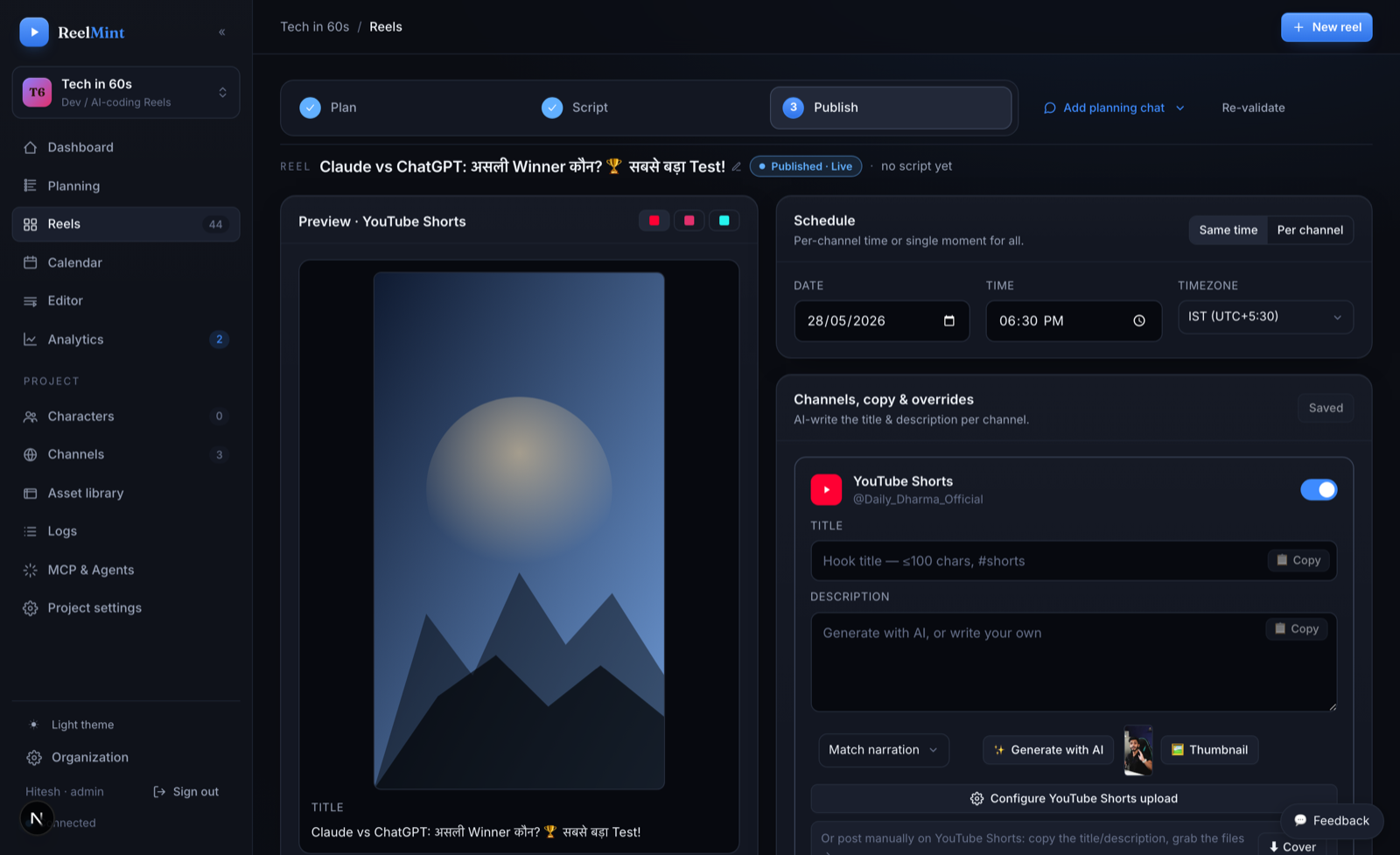
- One-click publish to YouTube Shorts — AI titles, auto thumbnails, and per-channel scheduling
The three features that matter most
Everything is included, but these are why coding educators pick it.
Syntax-highlighted code cards are motion components sized for a vertical phone screen — not a full-width editor squeezed into a Short. Typo in the snippet? Edit the card and re-render; scenes never bake into pixels.
Teach in mixed Hindi and English, the way your students actually talk. A local Whisper pipeline transcribes code-switched speech with word timestamps and romanizes the captions — npm stays npm, kya stays kya.
One click sends the rendered Short to YouTube or Instagram Reels with an AI title, description, and auto thumbnail. Scheduling with timezone support means the video goes out when your audience watches, and analytics land next to your projects.
Common questions
Do I lose my teaching voice to an AI narrator?
Only if you want to. Record your own take with the built-in screen and camera recorder — with voice conversion available — or pick from 24+ AI voices with in-app previews.
I already have long-form videos. Can I reuse them?
Yes — video import rebuilds an existing video as an editable ReelMint project, so old material becomes scenes you can rework into Shorts.
How much does each Short cost me?
ReelMint is free during the pilot. AI usage runs on your own Gemini/OpenAI/ElevenLabs keys, billed by the provider with zero markup — no credits system.
Do I own what I publish?
Entirely. Videos publish to your channel under your account, with no watermarks — ever.
Can my editor or co-teacher work with me?
Yes — invite them into your workspace with editor or admin roles. Workspaces are isolated, so your projects and keys stay yours.
Teach one concept as a Short this week
Free founding-creator pilot — no credit card, no watermarks.
Start free — no credit card