The video studio your AI agent can drive
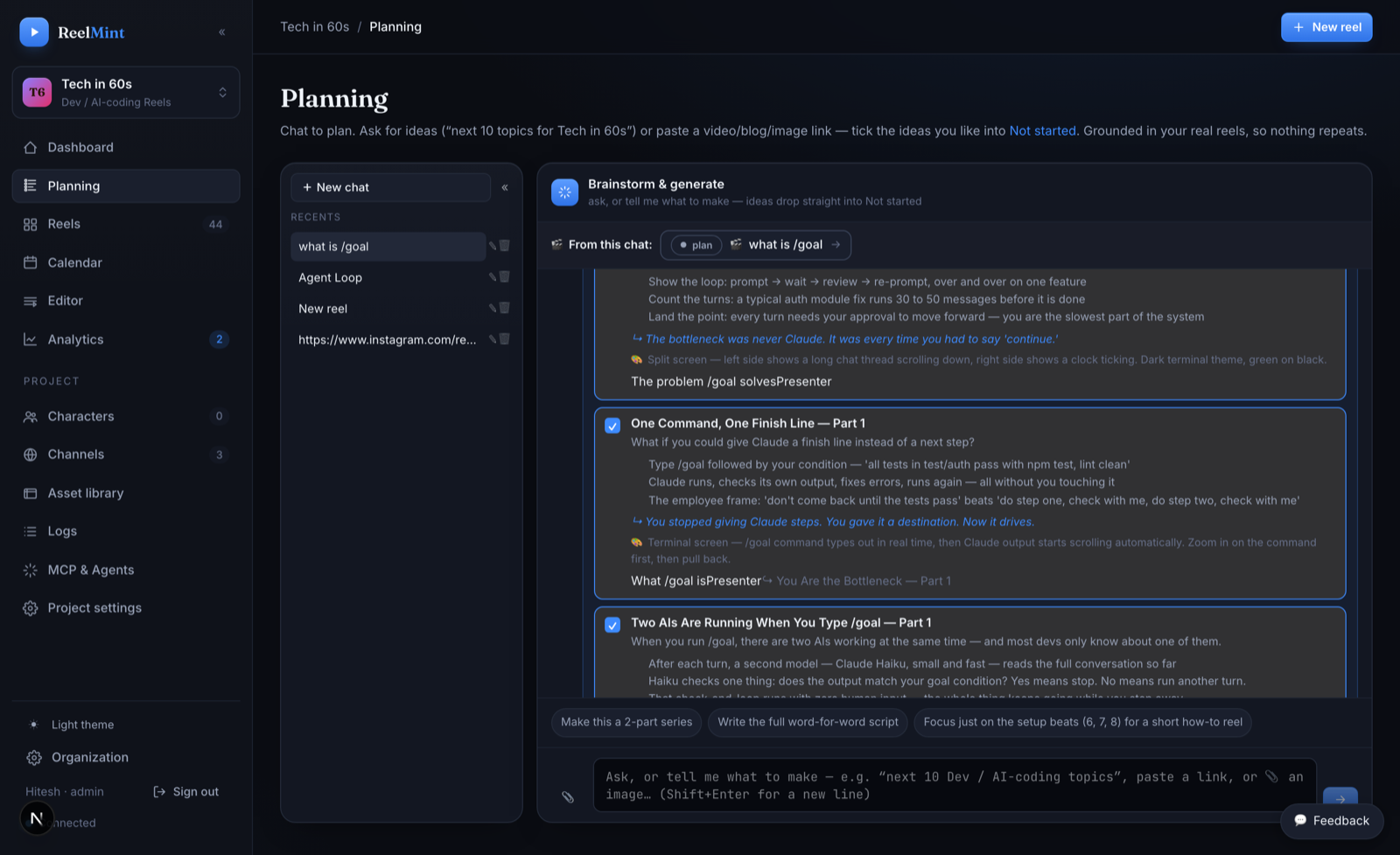
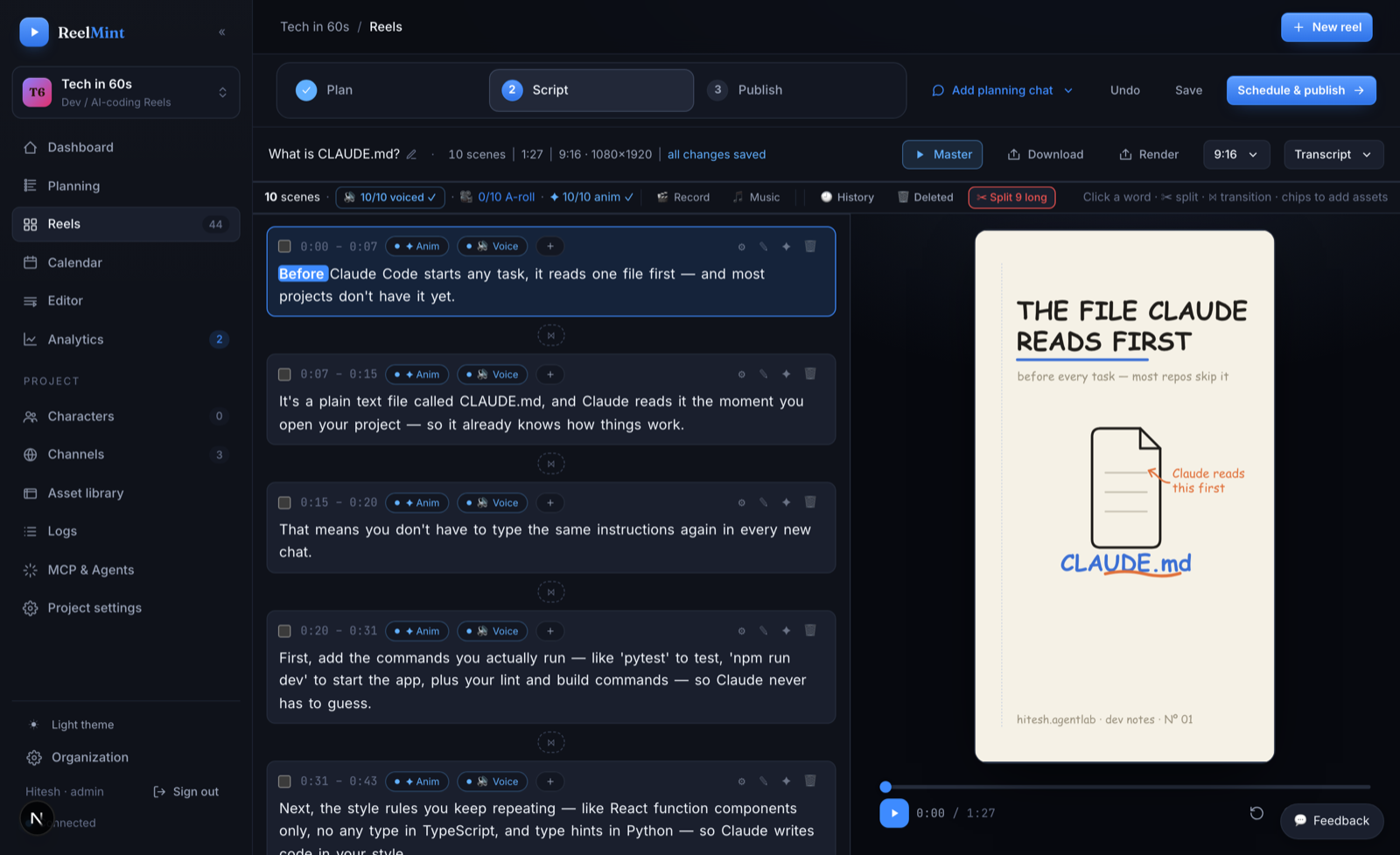
ReelMint ships a built-in MCP server. Add it to Claude as a connector you approve, or point Claude Code and Cursor at it with a workspace-scoped token, and “make a 60-second reel from my post” becomes a working command — the agent scripts, composes editable scenes, previews its own frames, narrates, and publishes to YouTube or Instagram Reels. You review; it does the clicking. A Short that takes an afternoon to hand-edit — 60 to 90 seconds of finished video — takes about an hour here, and only 10–20 minutes of that is you: reading the script, asking for refinements, checking the scenes. The agent can also draft overnight, leaving a reel for your morning review instead of posting blind.
What is MCP video generation?
MCP video generation is letting an AI agent build and publish a video by calling a video studio's tools over the Model Context Protocol— an open standard from Anthropic that lets assistants like Claude, Claude Code, and Cursor call external tools during a task. Instead of one “generate” button that returns a finished file, the studio exposes each step of the pipeline — script, scenes, narration, render, publish — as a separate tool the agent calls in order, handing back an editable result at every step so it (and you) can catch mistakes before anything ships. ReelMint's built-in MCP server works exactly this way: the agent drafts and composes; you review and approve; nothing posts unless you switch it on. Read the full explainer →
Built-in MCP server — works with Claude Desktop, Claude Code, Cursor, and any MCP-capable agent, scoped to your workspace.
Connect without pasting a token
ReelMint's server speaks the MCP OAuth flow, so Claude can add it as a custom connector: you sign in to your studio and approve it there. No key changes hands, and you can revoke it from the same page later.
https://studio.reelmint.io/api/mcpBy hand it is the same URL: Customize → Connectors → Add custom connector. We drive the studio this way from Claude on the web; on Claude Desktop the config-file route below is the one we run ourselves.
Or connect with a workspace token
Clients that take a URL and a header don't need the connector flow — one config entry does it.
Your token lives on the MCP & Agents page inside the studio — scoped to one workspace, rotatable in one click. In Claude Code: claude mcp add --transport http reelmint https://studio.reelmint.io/api/mcp --header "Authorization: Bearer YOUR_TOKEN".
What can the agent actually do?
| Tool | What it does |
|---|---|
| draft_script | Write a scene-by-scene script from a topic, URL, or your knowledge base |
| author_scenes | Compose each line into motion-graphic scenes from a 100+ component catalog |
| preview_scene | Render film-strip frames and LOOK at them — the agent checks its own work |
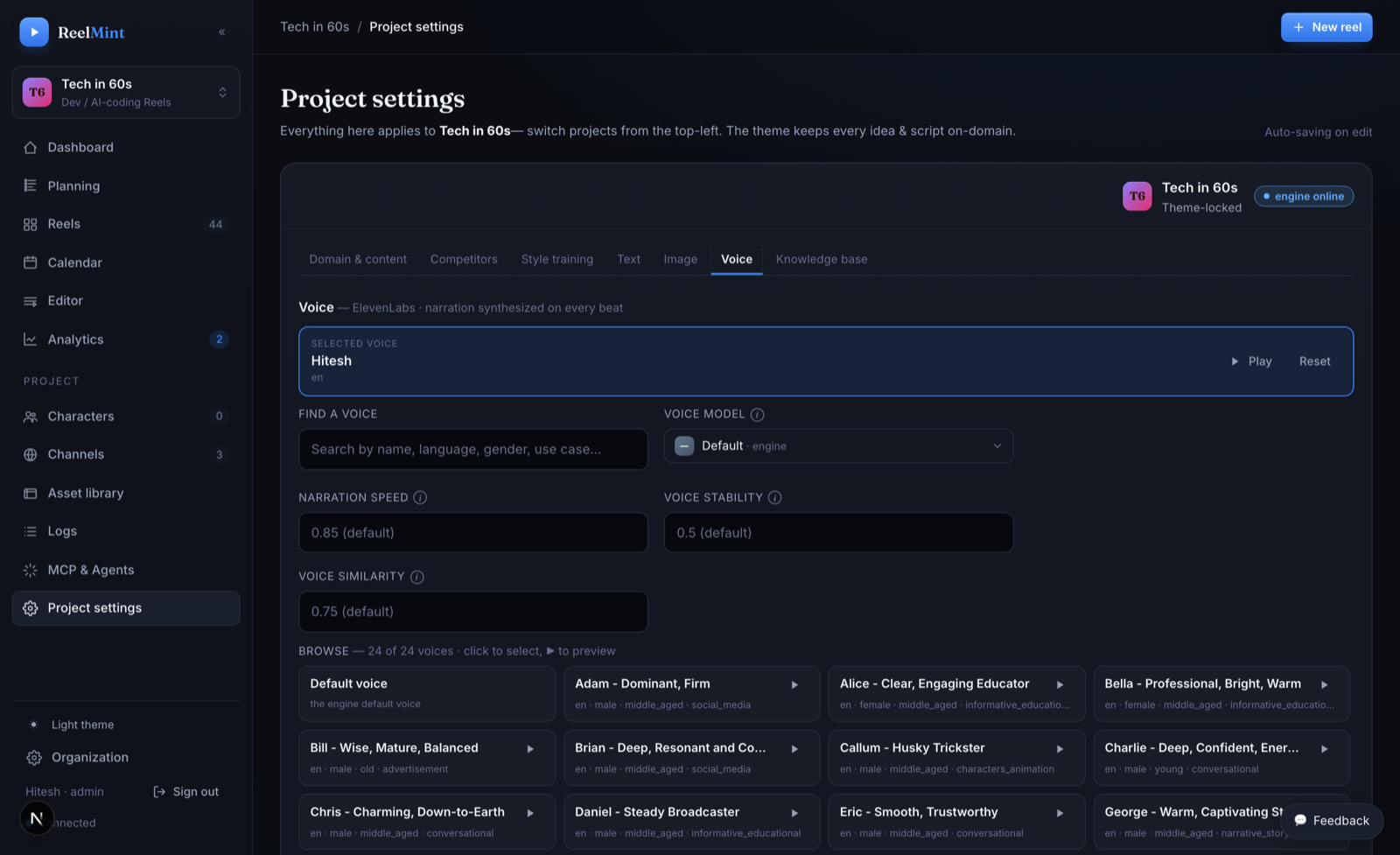
| synthesize_scene_voice | Narrate any scene in the project's voice |
| sync_scene_duration | Lock a scene's timing to its narration — no manual nudging |
| learn_reference_style | Study a reference reel and distill its look into reusable style rules |
| compose_video | Render the full 9:16 Short on a fair queue, within your daily budget |
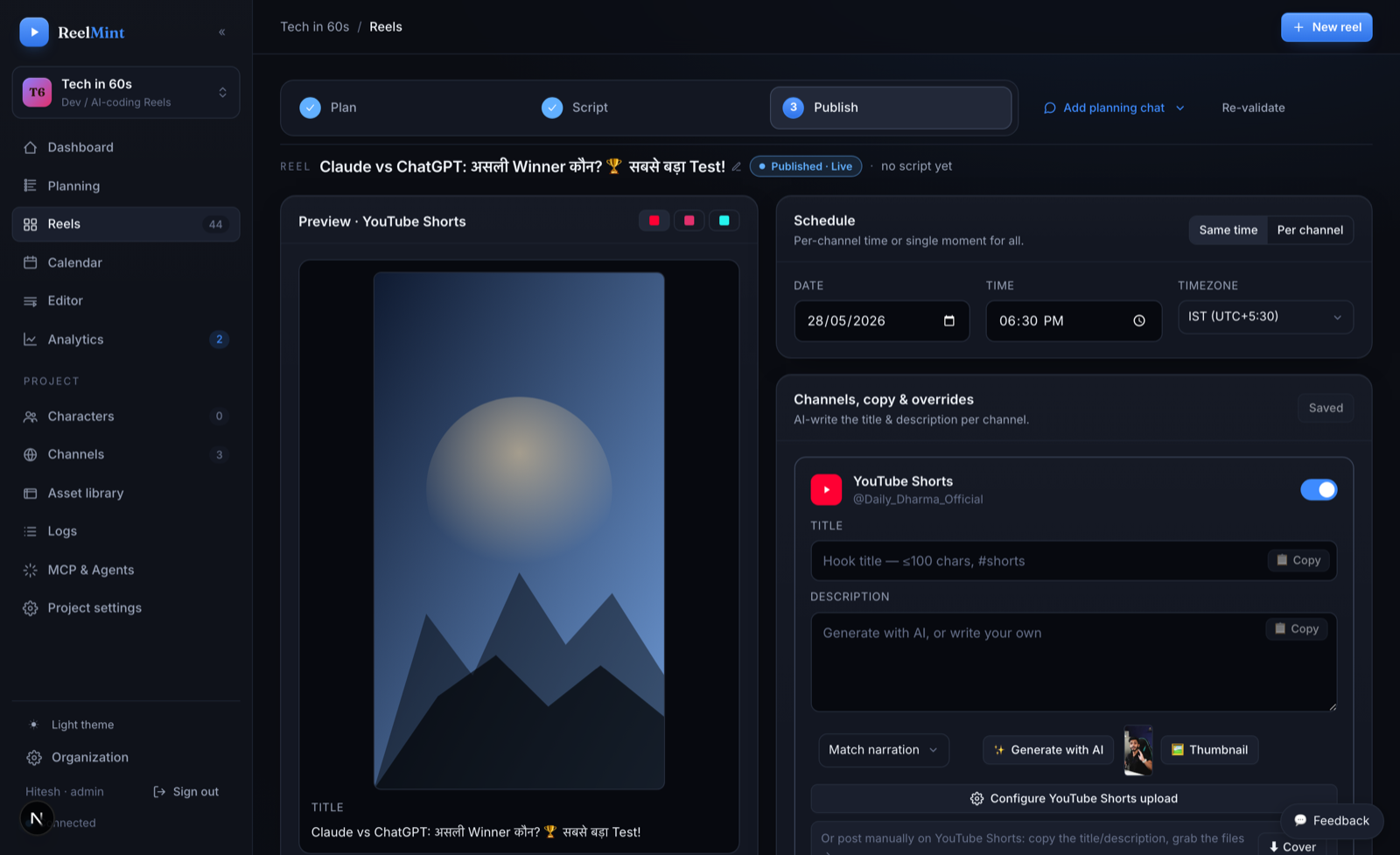
| publish_reel | Publish to YouTube (draft or scheduled) or Instagram Reels — under your review |
One tool = one job — your agent orchestrates the order. Long renders are the only background job (it polls for completion); every other step returns its result immediately.
What it is — and isn't
✓ Editable motion-graphic scenes (code, terminals, charts, diagrams) — not generative pixels.
✓ Publishes to YouTube Shorts today — upload, schedule, and view counts back in the studio.
◐ Instagram Reels is built, and it is what publishes our own channel — 11 reels with live links. Connecting your Instagram is waiting on Meta App Review. TikTok is on the roadmap.
✓ Supervised by default: the agent drafts; you approve. Nothing posts unless you switch it on — auto-publish is opt-in per series, and only to YouTube Shorts.
✓ BYOK — your own Gemini / OpenAI / ElevenLabs keys, at cost. No markup, no expiring credits, no watermark.
✗ No Sora/Veo-style generative footage, no avatars, and no posting you did not switch on. That's deliberate.
Questions agents ask
Which agents work with it?
Anything that speaks MCP: Claude, Claude Code, Cursor, Cline, Continue, or your own agent via the open protocol. Claude adds it as a custom connector you sign in and approve; every other client takes the server URL plus a workspace token in one config entry.
Do I have to paste a token into Claude?
No. The server implements the MCP OAuth flow, so Claude's "Add custom connector" walks you to the studio, you sign in, and you approve the connector there — the same way you'd authorize any other app. Tokens are still available for clients that want a header, and you can revoke either from the MCP & Agents page.
What can an agent actually do?
The full pipeline: draft scripts, author scenes from the component catalog, preview frames, synthesize narration, compose the video, and publish to YouTube or Instagram Reels — the same guarded endpoints the UI uses.
Is it safe to let an agent render and publish?
Yes — by design it's supervised, not blind. Renders run on a fair queue within a per-workspace daily budget, so a runaway loop can't melt the studio. Publishing lands as a draft you approve, or a post you scheduled. A series can auto-publish to YouTube Shorts after a review window, but that is opt-in per series — nothing posts unless you switch it on. Tokens are workspace-scoped and rotate in one click.
Is it generative video?
No — and that's the point. Every scene is a layered, editable motion-graphic composition (code cards, terminals, charts, diagrams), not baked pixels. Re-open any scene next month and change a variable name or chart value, then re-render. No Sora/Veo-style footage, no avatars.
Does it cost extra?
No. The MCP server is part of every workspace, including the free pilot. Your first 5 videos run on ReelMint's own keys, no API key needed. After that, generation runs on your own API keys (Gemini / OpenAI / ElevenLabs) at provider list price — zero markup, no credits, no watermarks.
Point your agent at a real studio
Free pilot, workspace-scoped token, daily budgets on. No credit card.
Claim a pilot spot