Terminal Demo Video Maker
Show a CLI the way it deserves: typed-command animations in a clean terminal component, with monospace type sized for phones — not a desktop screen capture squinted at on a 6-inch screen.
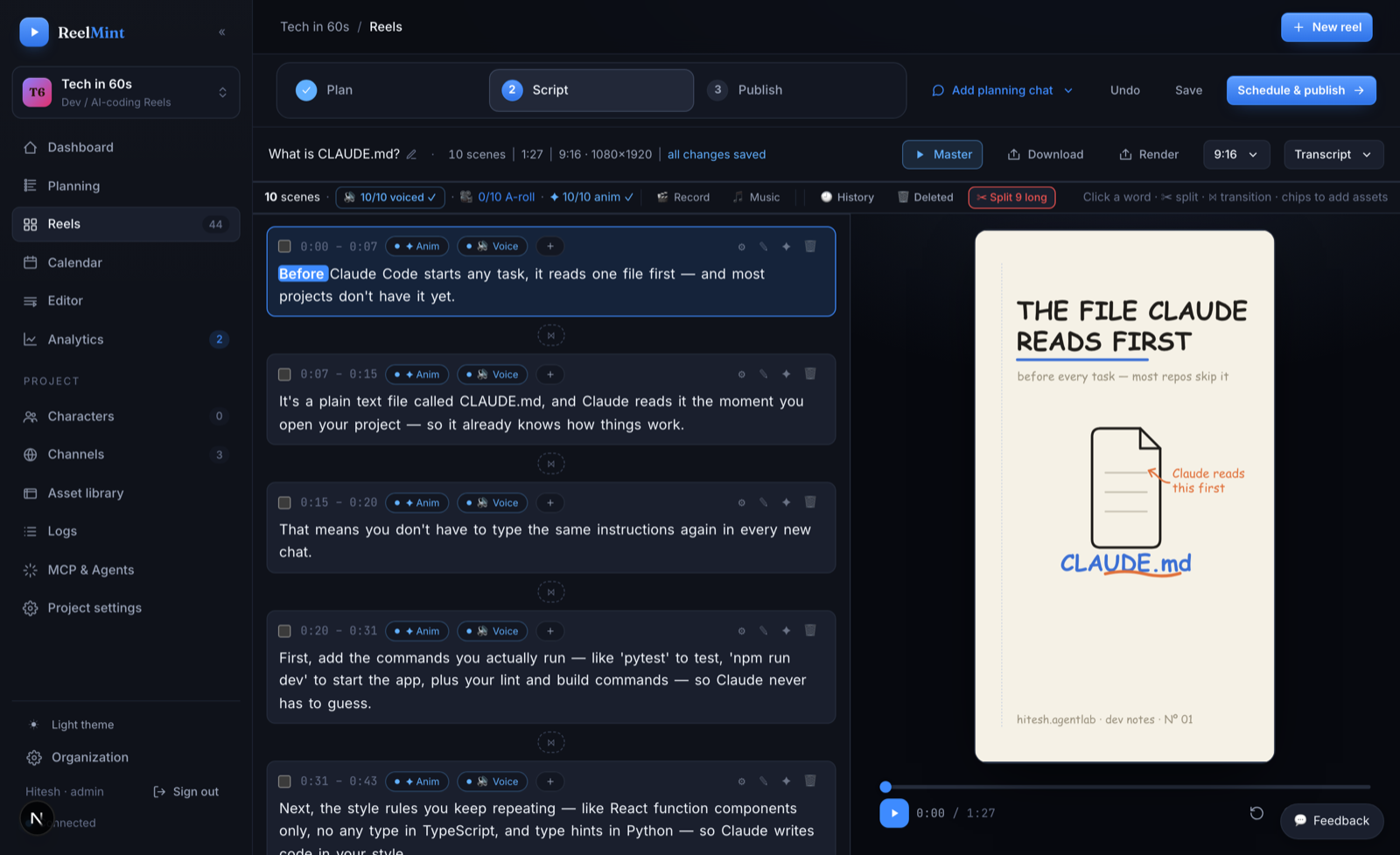
From CLI to demo video
Write what the terminal shows — the studio animates it.
What you get
The demo you meant to give, every time.
The terminal is a motion component. You decide the command and the output — deterministic, clean, and free of the flaky-network retake.
A desktop-width terminal recording turns to mush on a phone. The component is sized for vertical video, so flags and paths stay readable.
Renamed a subcommand? Edit the scene text and re-render. The demo never goes stale because it was never a recording.
A code card for the config file, a chart for the benchmark output, a diagram for what just happened — 100+ components in one layered editor.
If you narrate it yourself, local Whisper transcription with word timestamps lets you cut filler words and silences from the transcript.
No credit card, no watermarks. AI usage runs on your own provider keys with zero markup.
Common questions
Does it run my commands for real?
No — you author what the terminal shows. That is the point: no typos on camera, no waiting for installs, and nothing sensitive from your real shell ends up in the video.
Can I paste output from a real session?
Yes. Paste the real output into the scene and trim it to the lines that matter — long scrollback is the enemy of a 60-second Short.
My CLI changed — do I remake the demo?
Edit the command or output text in the scene and re-render. Scenes are editable objects, not baked footage.
Can I still show my actual screen?
Yes — a built-in screen and camera recorder is available when you want a live take, with word-level trim and filler-word cleanup afterwards.
What does it cost?
ReelMint is free during the founding-creator pilot. Your first 5 videos run on ReelMint's own keys, no card; after that, generation runs on your own API keys, billed by the provider with zero markup.
Other things ReelMint makes
Turn a programming concept into a 9:16 Short built from real, syntax-highlighted code cards — not a cropped screen recording. Every scene stays editable until the moment you publish.
Turn a README into a YouTube ShortPoint ReelMint at your project's README and get a script grounded in what the project actually does — then editable scenes: the install command as an animated terminal, the API example as a code card, the architecture as a diagram.
Hinglish Tech Shorts — code-switched narration that actually worksRecord the way you actually teach — Hindi and English in the same sentence, npm and useEffect mid-flow — and get clean, romanized captions aligned word by word. This is the pipeline mainstream tools garble.
Animated Chart Video MakerBar and line charts that grow on screen, driven by your data — real motion components, not a screen recording of a spreadsheet and not a baked animation you can never touch again.
Changelog & Release-Notes Video MakerTurn release notes into a Short people actually watch: PR cards for the headline changes, code cards for the new API, a timeline for what shipped — published to YouTube or Instagram Reels on release day, on schedule.
Give the demo without the retakes
Author the terminal, narrate it, publish it — free during the pilot.
Start free — no credit card